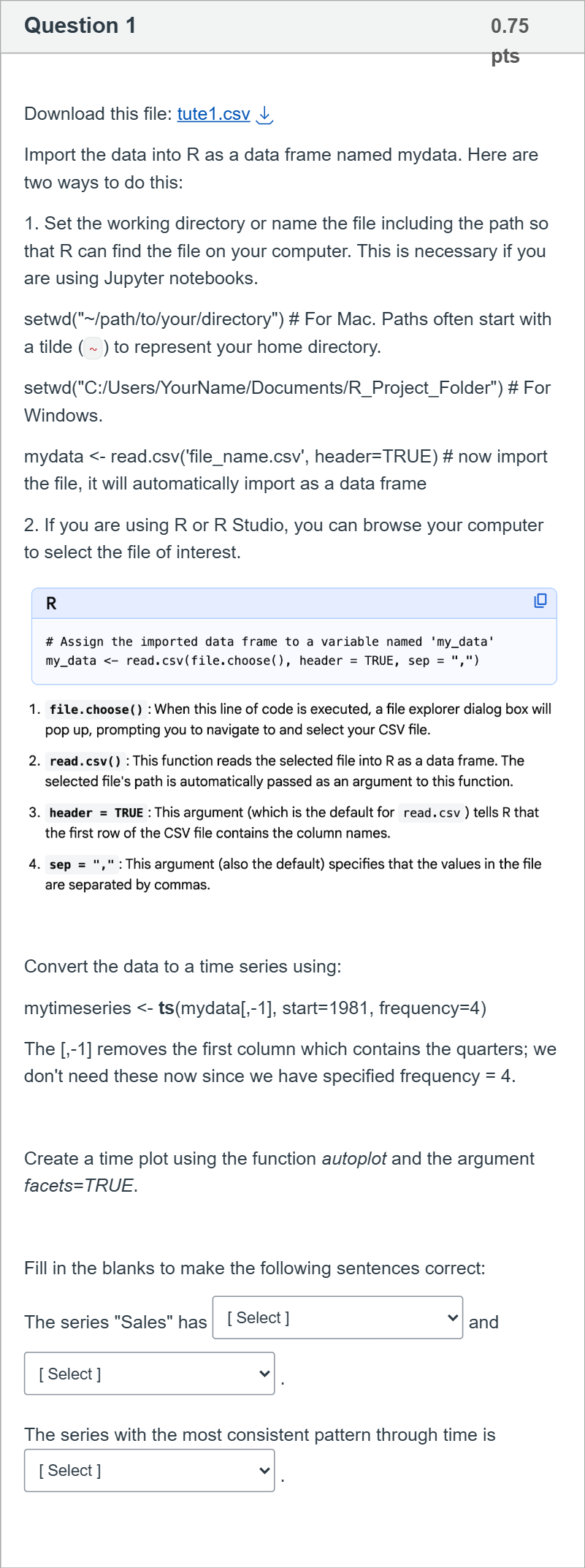
Download this file: tute1.csv Download tute1.csv Import the data into R as a data frame named mydata. Here are two ways to do this: 1. Set the working directory or name the file including the path so that R can find the file on your computer. This is necessary if you are using Jupyter notebooks. setwd("~/path/to/your/directory") # For Mac. Paths often start with a tilde (~) to represent your home directory. setwd("C:/Users/YourName/Documents/R_Project_Folder") # For Windows. mydata <- read.csv('file_name.csv', header=TRUE) # now import the file, it will automatically import as a data frame 2. If you are using R or R Studio, you can browse your computer to select the file of interest. Convert the data to a time series using: mytimeseries <- ts(mydata[,-1], start=1981, frequency=4) The [,-1] removes the first column which contains the quarters; we don't need these now since we have specified frequency = 4. Create a time plot using the function autoplot and the argument facets=TRUE. Fill in the blanks to make the following sentences correct: The series "Sales" has [ Select ] no trend trend and [ Select ] no seasonality seasonality . The series with the most consistent pattern through time is [ Select ] "Sales" "AdBudget" "GDP" .多重下拉选择题
登录即可查看完整答案
我们收录了全球超50000道真实原题与详细解析,现在登录,立即获得答案。
类似问题
Is the following statement true or false? In the products of methylation-hydrolysis, every -OH group corresponds to the position of a glycosidic bond in the starting polysaccharide.
Which of the follwoing structures represents amylopectin?
Which of the following is true about an aldopentose?I. It is a monosaccharide.II. It contains a CHO groupIII. It is a disaccharide.IV. It is an oligosaccharide.
For stock A, we have 𝛽 𝑖 = 0.70. Suppose the expected market risk premium next year is 9% and the risk-free rate is 3%. What is the expected return of this stock based on the CAPM? (Please answer in % and round to 2 decimal places. If the answer is 8.057%, then in the box, write 8.06)
更多留学生实用工具
希望你的学习变得更简单
加入我们,立即解锁 海量真题 与 独家解析,让复习快人一步!