Homework AI Solver forCanvasQuizzes

Solve quizzes and homework faster with a powerful homework AI solver designed for online learning platforms. Whether you study on Canvas, Moodle, or Blackboard, our quiz AI homework helper gives you accurate quiz answers, step‑by‑step explanations, and real-time translation support – all in one tool.

International Students+
Country+
Usage CountW+
Satisfaction%
LockDown proctoring iconWorks with all platform browsers
Refund iconStudent-Friendly

Compatible with multiple learning platforms

What Is a Homework AI Solver?

A homework AI solver is an intelligent assistant that helps you complete online quizzes, homework, and open-book exams more efficiently. Instead of manually searching for every answer, the solver reads your questions on platforms like Canvas, Moodle, and Blackboard, detects the question type, and generates answers with explanations. Our solution is built to be student-friendly, private & secure, and compatible with multiple learning platforms, so you can focus on understanding concepts instead of getting stuck on repetitive tasks.

Canvas, Moodle & Blackboard AI Homework Solver: Diverse Learning Support at Your Fingertips

If most of your coursework is on Canvas, our canvas answers extension is built for you. It deeply integrates with Canvas to read quiz questions, suggest accurate answers, and provide instant explanations, without constant copy-pasting between tabs. This canvas quiz AI homework helper reduces time spent on routine questions while still letting you review the reasoning behind each answer.

播放按钮
Tutor Mode
Any version

Select an area to quickly find questions and receive instant answers and explanations.

播放按钮
Automated answering tool
Any version

Complete all questions with a single click—simple, fast, and efficient.

播放按钮
Solver Mode (Auto-Answer)
Any version

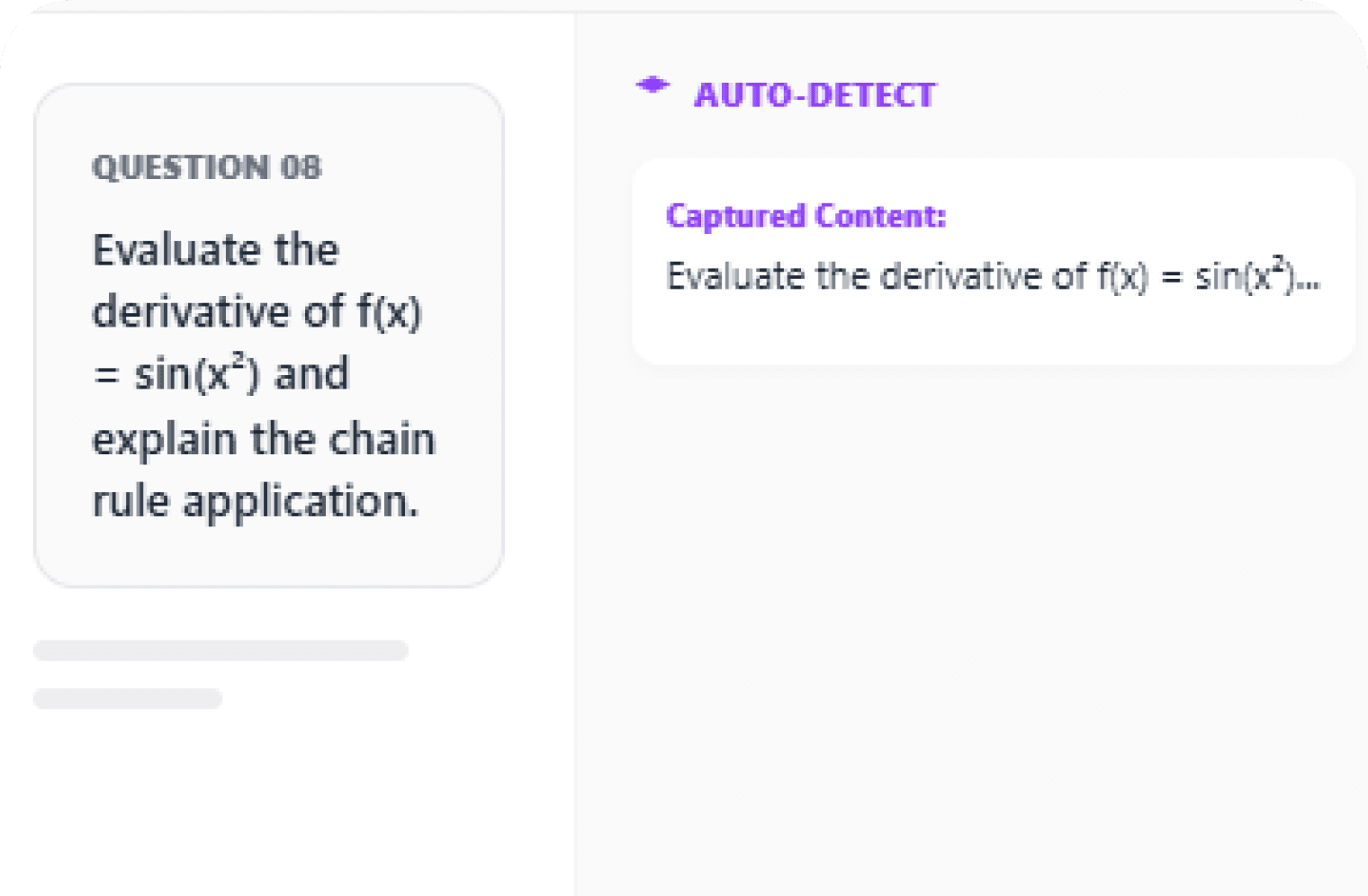
Double-click a question to auto-detect its type and generate answers instantly.

Key Features of BlackTom Quiz AI Homework Helper

Our quiz AI homework helper combines multiple learning supports in one place. Whether you are doing daily homework, online learning, or open-book exams, it is designed to help you study smarter and quicker. Below are the core features that make it different from typical AI chat tools or simple browser extensions.

Worry-Free Quiz Help with Canvas, Moodle, and Blackboard

BlackTom is your all-in-one homework AI solver for the tools your school already uses. Whether your professor assigns work on Canvas, Moodle, or Blackboard, BlackTom's quiz AI homework helper makes it easy to understand questions, check reasoning, and learn the right approach before you submit.

  • Works smoothly with Canvas, Moodle, and Blackboard quizzes
  • Ideal for timed quizzes, weekly homework, and practice tests
  • Designed to help you learn concepts, not just copy answers

Smart Canvas Answers Extension for On-Platform Support

BlackTom works like a powerful Canvas answers extension that helps you handle tricky quiz questions without leaving your study flow. For Canvas-based homework and tests, you can use BlackTom as your silent homework AI solver — ask for hints, step-by-step explanations, or verification of your thinking.

  • Understand multiple-choice, short answer, and problem-solving questions
  • Get guided help instead of vague, generic answers
  • Use it as a learning assistant to prepare before you take graded attempts

Moodle & Blackboard Quiz Answers with Live Question Bank Updates

BlackTom's question bank is constantly learning from real quizzes around the world, so it can recognize and support Moodle quiz answers and Blackboard quiz answers accurately and quickly. Combined with our Moodle quiz extension-style support and global updates, BlackTom becomes a reliable quiz AI homework helper for your entire semester.

  • Recognizes repeated and variant quiz questions over time
  • Supports Moodle quiz extension-like workflows for smoother studying
  • Delivers fast, relevant help for both Moodle quiz answers and Blackboard quiz answers

Knowledge comes from these institutions — but it does not belong only to them.

01
Worry-Free Quizzes
Collecting of quiz from 397 universities
Worry-Free Quizzes
02
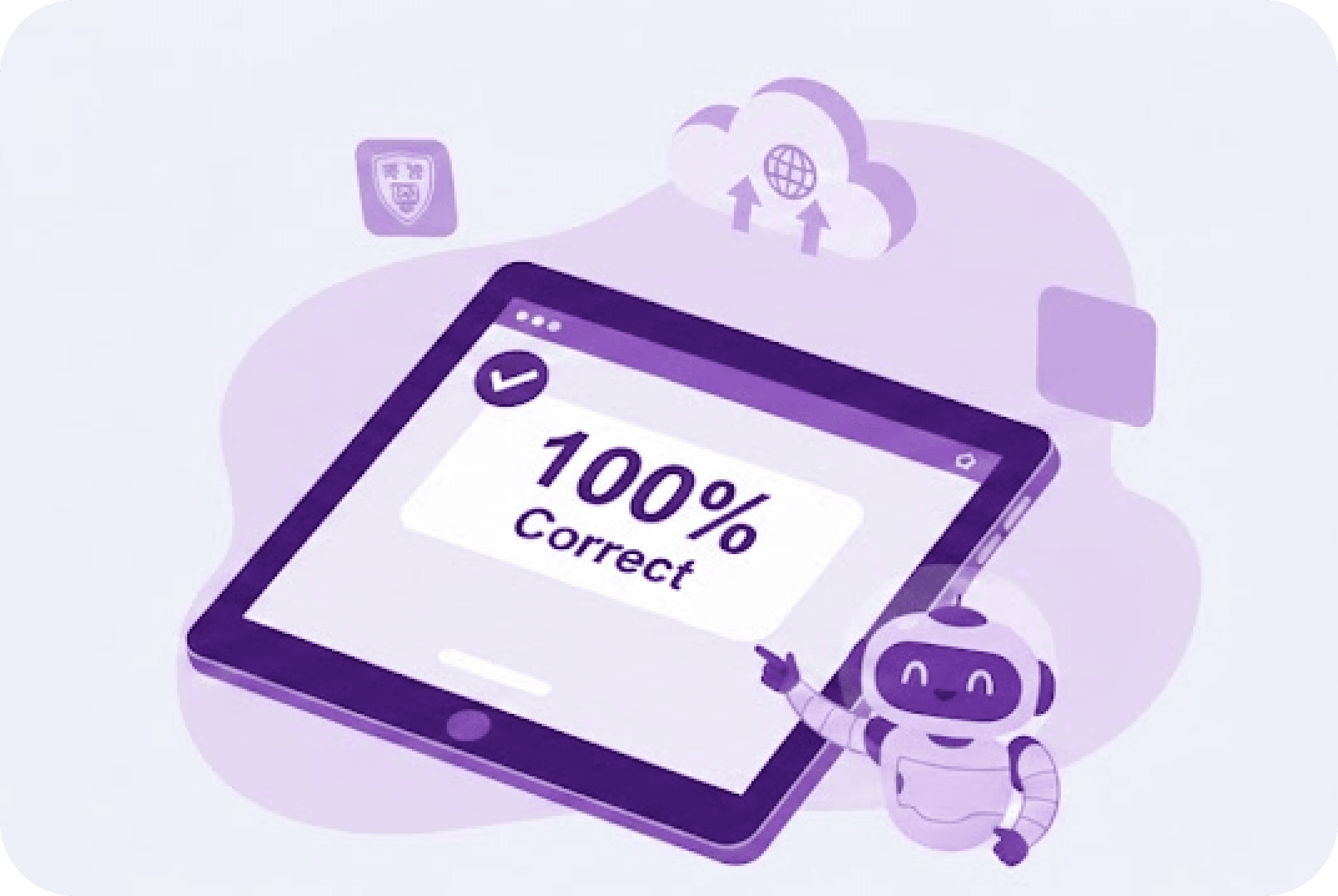
100% accuracy
Answers sourced from past perfect-score Quizzes
100% accuracy
03
Instant Updates for AI Quiz Helper Results
Cloud question bank continuously collects the latest quizzes globally
Instant Updates for AI Quiz Helper Results

Plans: Extension vs. Desktop Homework AI Solver Choose What Fits You

The solution is available in different versions so you can choose the best fit for your study environment. Whether you need a lightweight browser add-on or a full desktop application, each plan is optimized for security, automation, and ease of use.

Daily homework
Online learning
Open-book exam
Extension
Gold / Platinum
Best fit
Extension icon
Core Benefits
One-click install, immediate use
Chrome/Edge Deep Integration
Lightweight and efficient, automatic updates
Professional users
High Compatibility
High security
Desktop App
Ultimate
Best fit
Desktop App icon
Core Benefits
Supports all browsers
Compatible with All browser running on your PC
Advanced features, standalone operation, supports offline mode

BlackTom vs. Other Homework AI Solver Tools

Compared with common AI tools or generic chatbots, our homework AI solver (BlackTom) focuses on real quiz environments and platform compatibility. It is built for Canvas, Moodle, Blackboard, and secure exam browsers, offering automation and privacy features other tools typically lack.

Features

  • Platform Compatible

  • Privacy Protection

  • Auto-answer

  • Real-Time Translation for International Students

  • Question Bank

  • Desktop App

  • Detection-Proof

  • AI Paraphrasing

  • Offline Use

BlackTom Logo

BlackTom

  • All Platforms Browser Support
  • Supports Stealth Mode for safe screen recording
  • Fully automated input—no copy-pasting required
  • Real-time translation of classroom content
  • Preview quiz questions in advance from the original test
  • All browsers fully supported
  • Trace-free access to all browsers
  • One-click AI-detection check to bypass detection tools
  • Local LLM support; works even without internet

AI tools

Why BlackTom Stands Out: Homework AI Solver Feature Comparison

Multi window web browser
1

Works on all browsers without limits.

Privacy security protection
2

Supports Incognito Mode (Protects User Privacy).

Smart web input tool
3

Fully automated input—no copy-pasting required.

What our users are saying
01
TikTok Icon

Sky(Gold)

University of Newcastle

"Wow, this is so useful! I used to struggle with my homework and always worried about not finishing it. Thanks to this, I feel much more relaxed about studying in the future. I no longer have to worry about homework and tests; it truly is a blessing for international students, and I will never feel helpless again ❤️❤️"

02
RedNote Icon

Plugin Hero (Ultimate)

Monash University

"Overall, BlackTom is a powerful learning assistant that significantly improved my efficiency, especially in handling repetitive tasks and complex data analysis. It helped me a lot with my homework, whether it was text generation, data analysis, or problem-solving; the response speed is very fast, saving me a lot of time. If you encounter the AAA+ Plugin Hero, place your order quickly!"

03
TikTok Icon

Peter(Platinum)

Monash College

"I saw this software on dy and immediately registered and subscribed to the GOLD service. I then tried using canvas to solve problems, and the results were great and very convenient. It provides explanations while solving problems, not just simple answers, allowing me to better grasp these questions, which is beneficial for my learning. Additionally, many settings and adjustments on the operation panel make this feature even more convenient."

04
Bilibili Icon

Jason(Ultimate)

Purdue University

"I discovered BlackTom on Bilibili and want to share my experience using BlackTom Ultimate. Overall, it's a versatile assistant for tackling note-taking pressure on Canvas. It supports various problem-solving methods, so you don't have to worry about the format of the answers. It also includes an emergency backup question bank, and various answering modes to meet different needs. Additionally, it offers highly personalized settings for users to adjust according to their preferences."

Is This Homework AI Solver Safe and Private?

This tool prioritizes security and robust privacy protection. It runs locally in your browser or desktop without routing your data through risky third-party pages and has no detectable interaction with websites. It only provides AI-generated answers and learning tips at your request, improving your learning experience while keeping your usage private and secure.

How to Get Started in 3 Steps

Getting started with the homework AI solver is straightforward. Whether you choose the browser extension or the desktop version, setup is quick and requires no complex configuration.

Step1

Install the Extension or Desktop App

Choose the plan that fits you: the Extension (Gold / Platinum) for Chrome/Edge deep integration, or the Desktop (Ultimate) for full PC-wide browser support. Install with one click and log in using your account.

Step2

Open Canvas, Moodle or Blackboard Quizzes

Navigate to your quiz or homework page on Canvas, Moodle or Blackboard. The homework AI solver will auto-detect the platform and show available modes like Tutor, Solver, and auto-answering tool in your learning environment.

Step3

Choose Tutor or Auto‑Answer Mode

For deeper learning, use Tutor Mode to highlight questions and receive answers with explanations. For maximum speed, switch to Solver Mode (Auto‑Answer) or the automated answering tool to complete the entire quiz with minimal manual input. Review answers, make adjustments if necessary, and then submit.

FAQ About the Homework AI Solver & Quiz AI Homework Helper

The homework AI solver is designed to be compatible with most standard Canvas, Moodle, and Blackboard deployments, as well as learning browsers like LockDown and SEB. As long as your institution uses a typical LMS setup, the canvas answers extension and moodle quiz support should function normally.
Yes. The built‑in real‑time translation assistant supports instant Chinese/foreign language translation. This is especially helpful for international students who need clear understanding of Canvas, Moodle, or Blackboard quiz instructions and questions.
The homework AI solver is effective for both quizzes and general homework. You can use it to solve problem sets, generate explanations, rewrite AI‑generated content in human language, check AI detection risk, and assist with data analysis or text‑based assignments across different subjects.
Unlike generic AI chatbots that require copy‑pasting and are easily detected, this quiz AI homework helper is built specifically for learning platforms. It supports all browsers, works in Stealth Mode with screen recording, automates input directly into quizzes, offers a cloud question bank based on real quizzes, and includes AI rewrite optimization with one‑click AI‑detection checks. This combination makes it far more practical for daily Canvas, Moodle, and Blackboard quiz workflows.
Yes. BlackTom offline mode embeds local large models into the desktop app and can run in network environments with no internet access at all. You can think of it as continuing to use core AI learning assistance even on LANs, campus-restricted networks, or when public internet access is unstable.

Do it all with BlackTom